Remote work isn't just a temporary trend—it's the new reality for tech teams worldwide. With 22.8% of US employees working remotely at least partially as of March 2025, and 4 in 10 jobs allowing some amount of remote work, managers need the right tools to keep their distributed teams productive and connected.
But here's the challenge: 99% of remote workers use approximately 4.8 different conferencing tools, and 40% of workers think they're wasting time switching between collaboration technologies. The key isn't having more tools—it's having the right ones that work seamlessly together.
The good news? 79% of managers feel their team is more productive when working remotely, and the right software stack can make all the difference. Let's explore the essential tools that successful tech teams are using to thrive in the remote work environment of 2025.
Communication: The Foundation of Remote Success
Slack - Beyond Basic Messaging
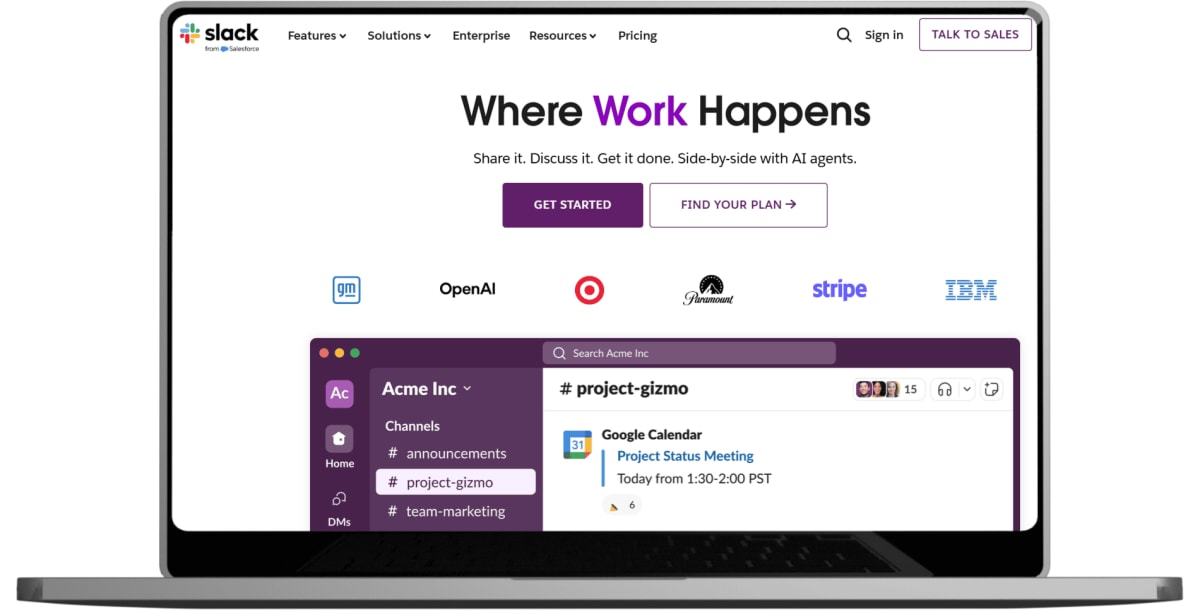
Slack remains the gold standard for team communication, but successful teams use it strategically. Create dedicated channels for projects, integrate with development tools like GitHub and Jira, and use threaded conversations to keep discussions organized. The key is establishing clear communication protocols—when to use Slack versus email, how to handle urgent versus non-urgent messages, and setting "do not disturb" boundaries.
Microsoft Teams - The All-in-One Solution
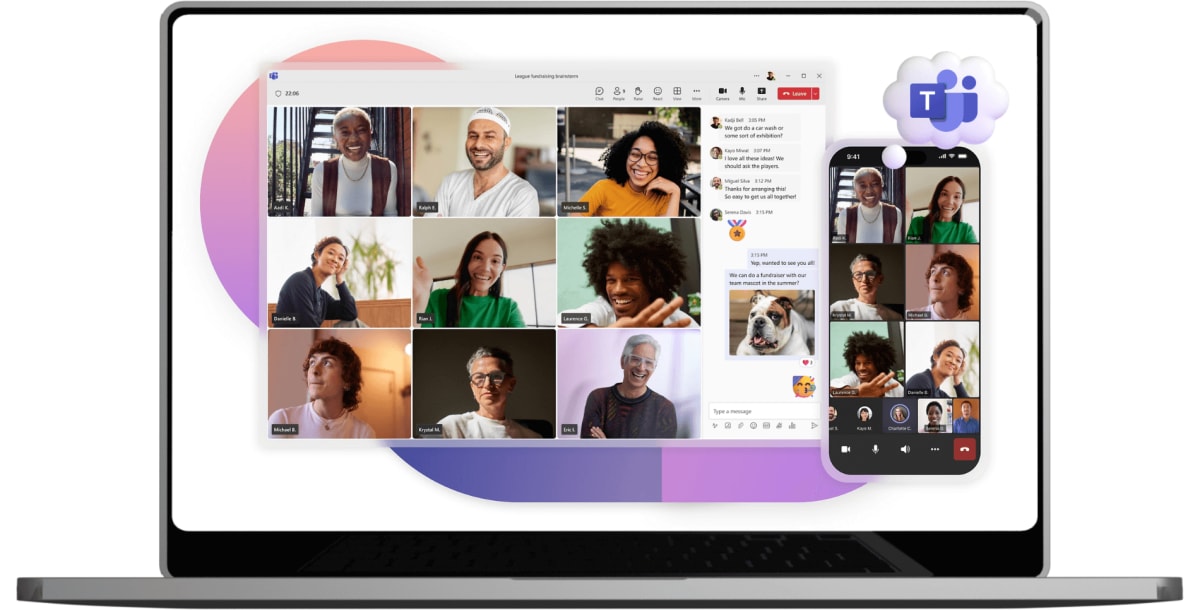
For teams already in the Microsoft ecosystem, Teams provides seamless integration with Office 365, making file sharing and collaboration effortless. Its strength lies in combining chat, video calls, and document collaboration in one platform, reducing the need to switch between multiple applications.
Discord - The Developer's Choice
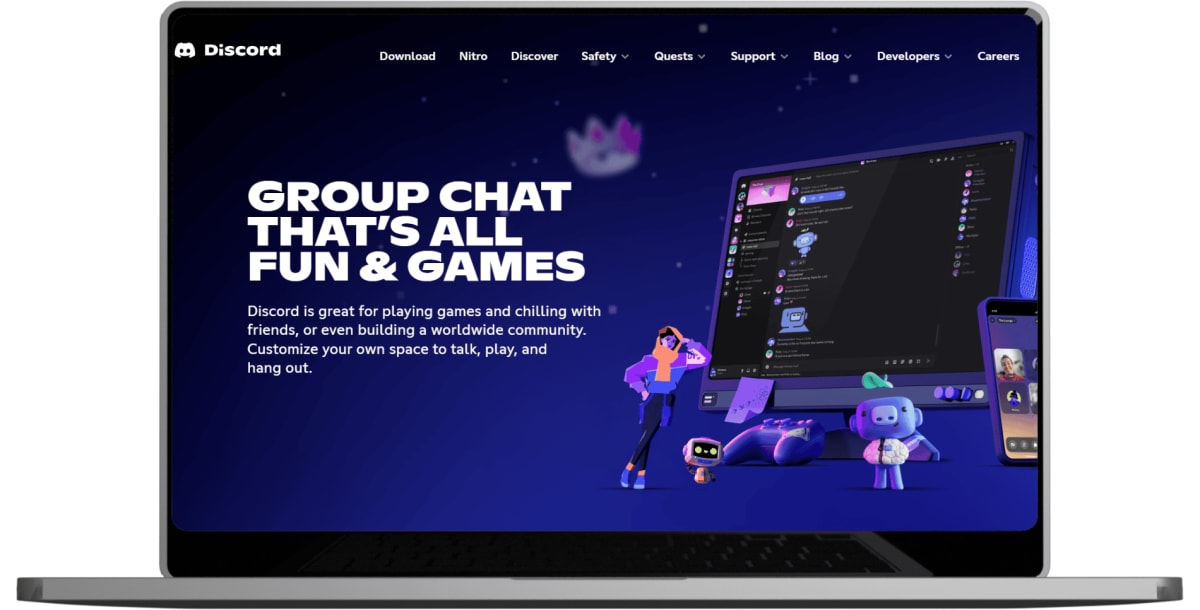
Originally designed for gaming, Discord has gained popularity among tech teams for its excellent voice channels, screen sharing capabilities, and community-building features. Many development teams appreciate its informal atmosphere and robust bot ecosystem for automation.
Video Conferencing: Face-to-Face in a Digital World
Zoom - Reliable and Feature-Rich
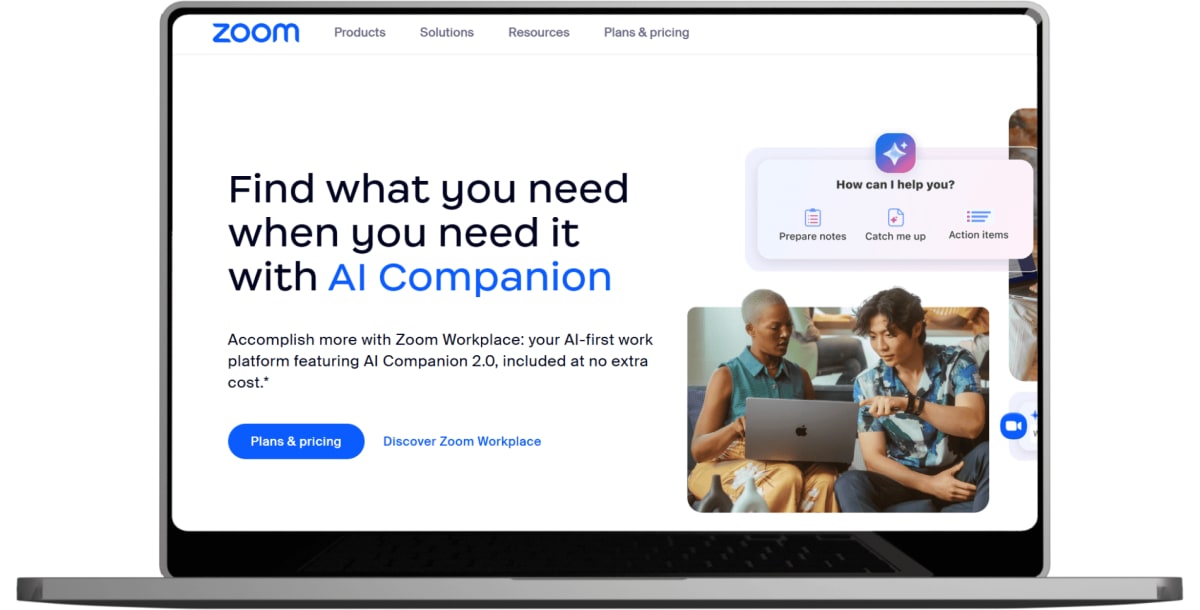
Zoom's reliability and extensive feature set make it ideal for everything from daily standups to client presentations. Its breakout rooms, recording capabilities, and integration options make it particularly valuable for larger tech teams and complex meetings.
Google Meet - Simple and Integrated
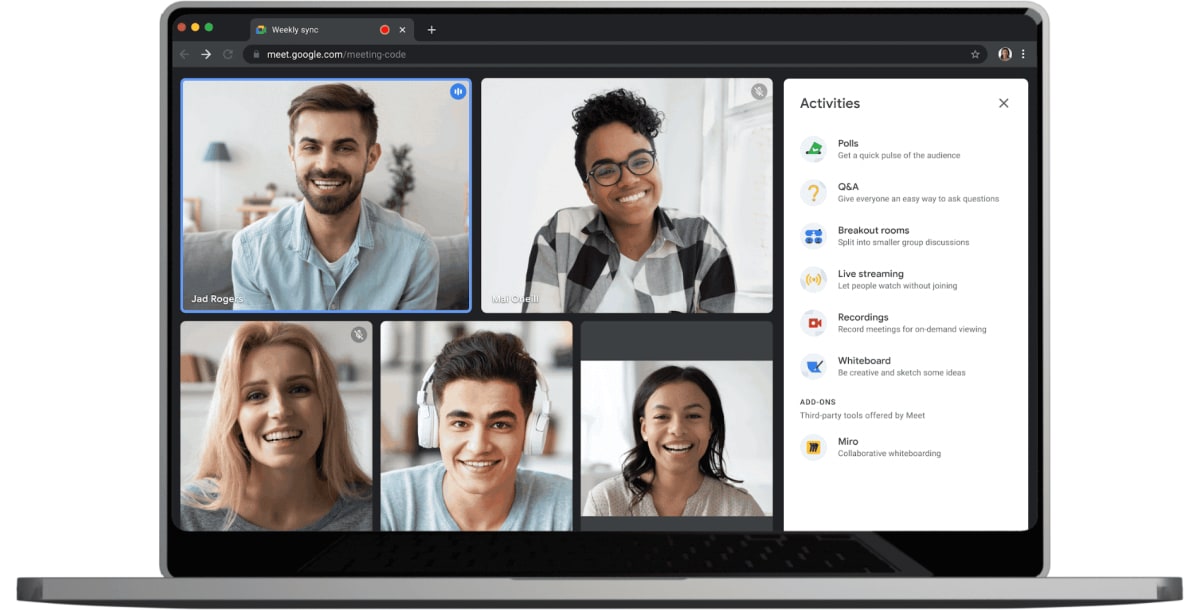
For teams using Google Workspace, Meet offers seamless calendar integration and solid video quality. Its simplicity is both a strength and limitation—great for quick calls, but lacking some advanced features that larger teams might need.
Loom - Asynchronous Communication
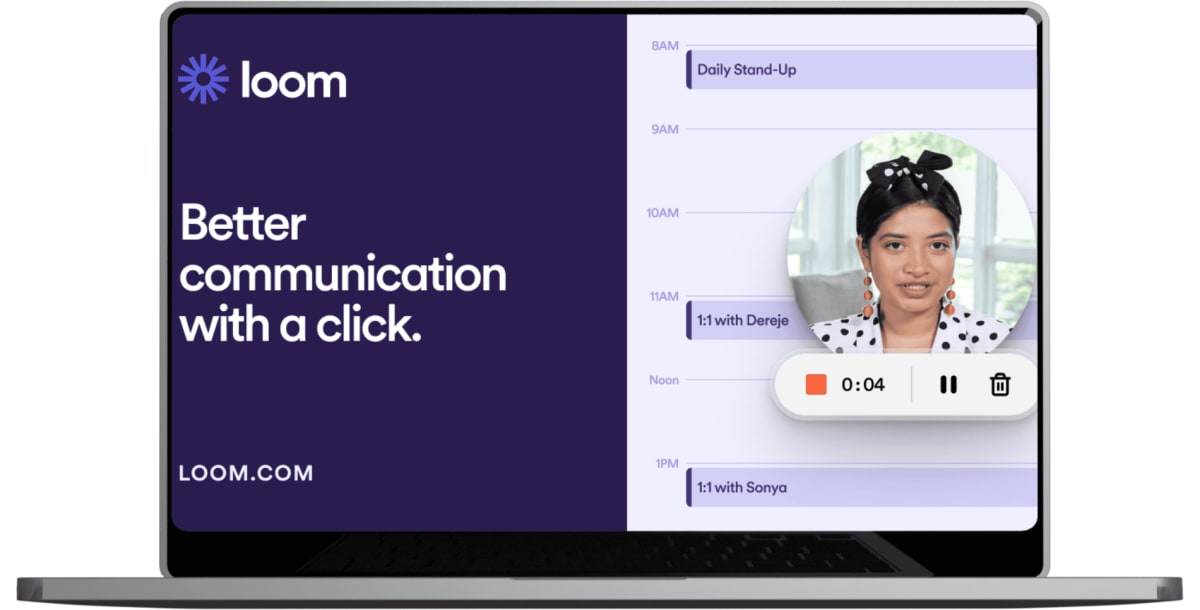
Loom has revolutionized how tech teams share information asynchronously. Perfect for code reviews, bug reports, and training materials, it allows team members to record their screens and provide detailed explanations that can be viewed at any time.
Project Management: Keeping Everyone Aligned
Jira - For Agile Development Teams
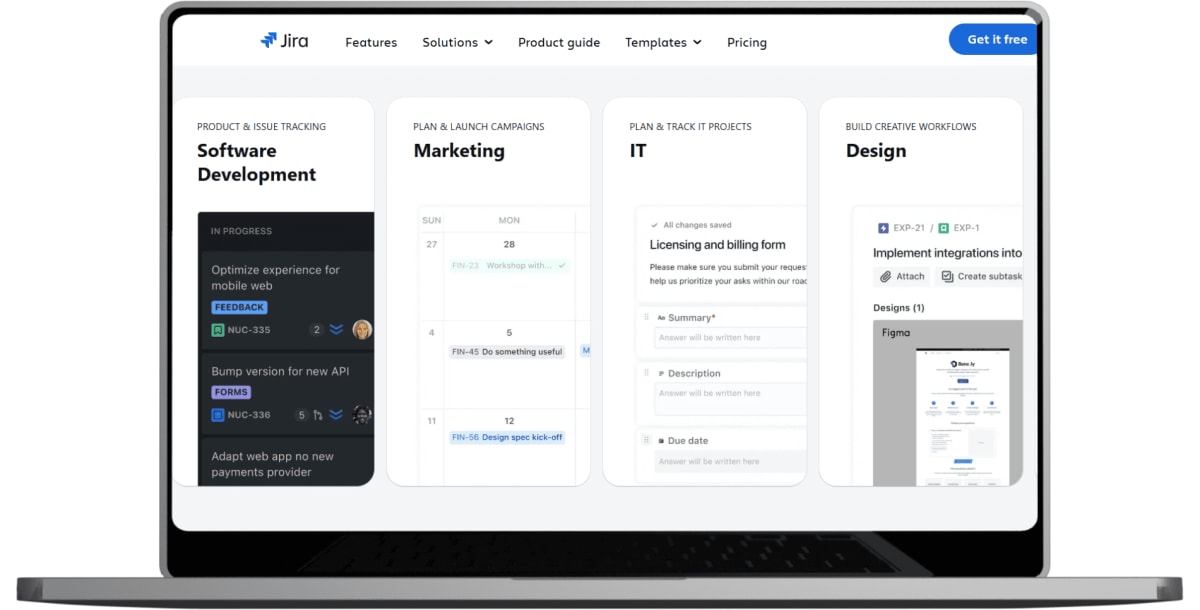
Jira remains the standard for software development project management. Its robust issue tracking, sprint planning, and reporting features make it essential for teams following Agile methodologies. The learning curve is steep, but the payoff in organization and visibility is substantial.
Asana - User-Friendly Task Management
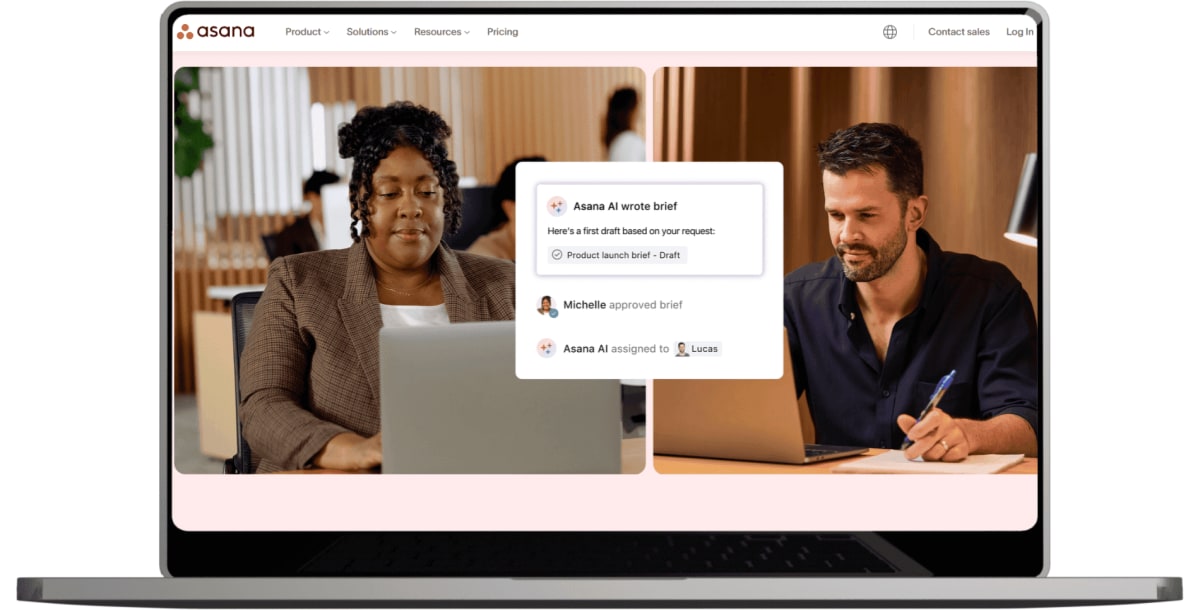
Asana strikes a balance between functionality and ease of use. Its intuitive interface makes it accessible to non-technical stakeholders while providing the features development teams need for project tracking and collaboration.
Linear - The Modern Alternative
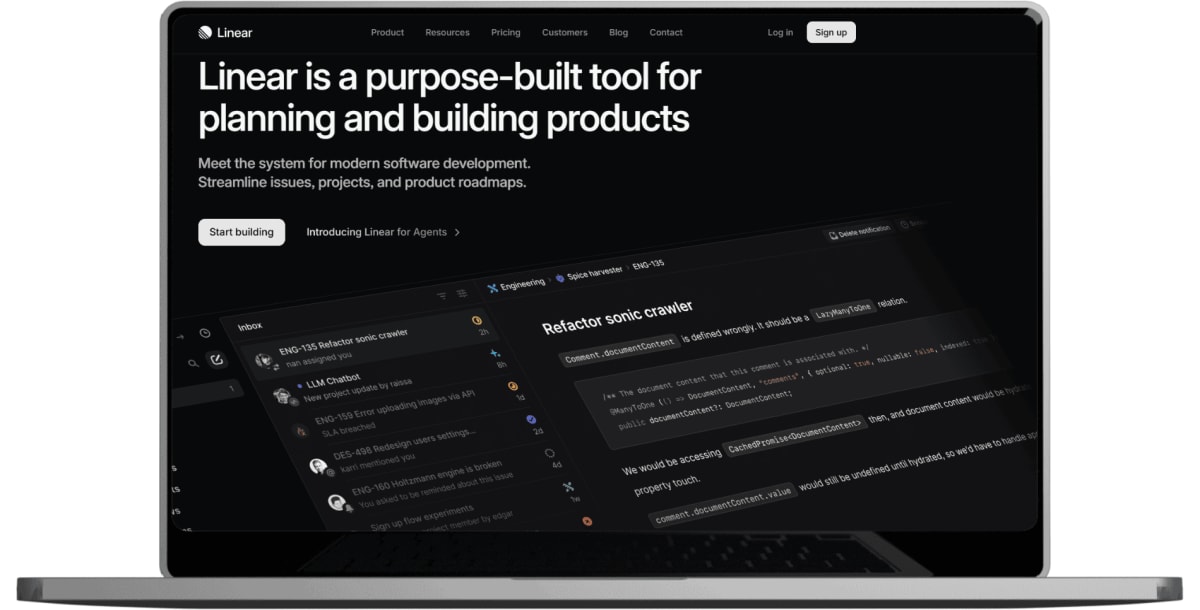
Linear has gained traction among tech teams for its speed, clean interface, and focus on developer experience. It's particularly popular with startups and smaller teams who want powerful project management without Jira's complexity.
Notion - The Swiss Army Knife
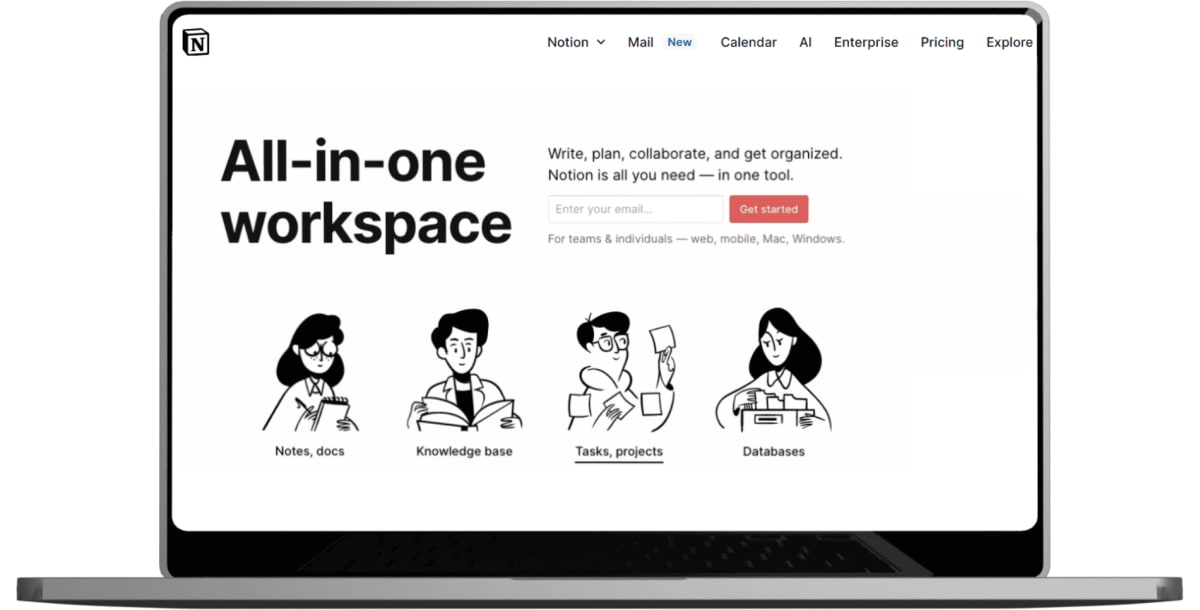
Notion combines project management, documentation, and knowledge sharing in one platform. While it can become overwhelming, teams that invest time in setting it up properly find it invaluable for centralizing information and processes.
Code Collaboration: Where the Magic Happens
GitHub - The Industry Standard
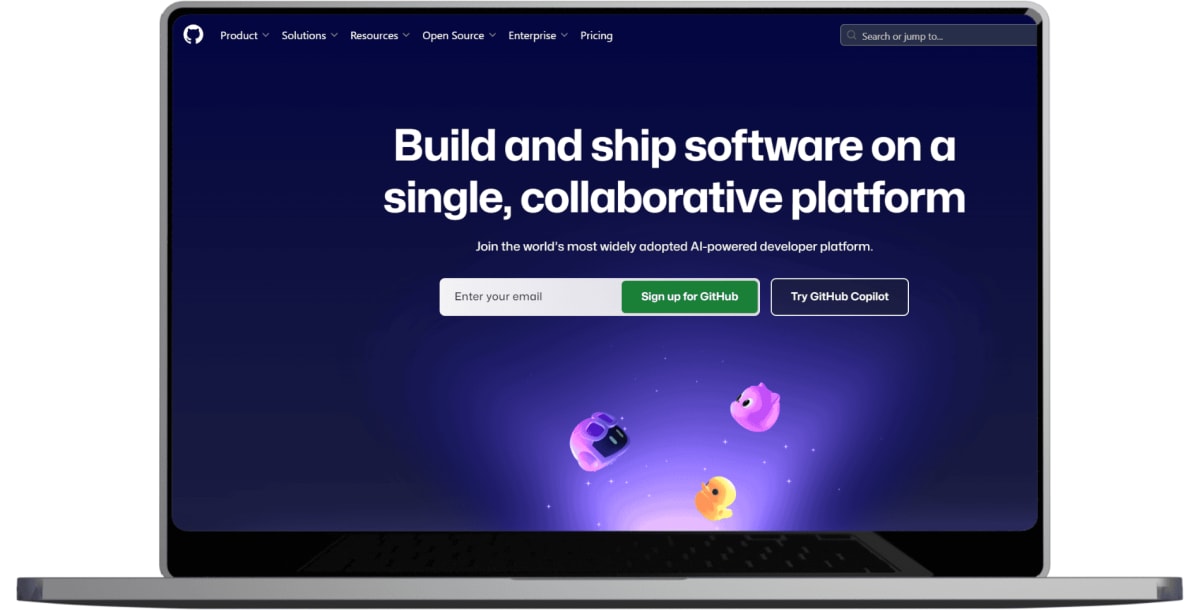
GitHub's pull request workflow, issue tracking, and integration ecosystem make it indispensable for most development teams. Its project boards and Actions for CI/CD provide additional project management and automation capabilities.
GitLab - The Complete DevOps Platform
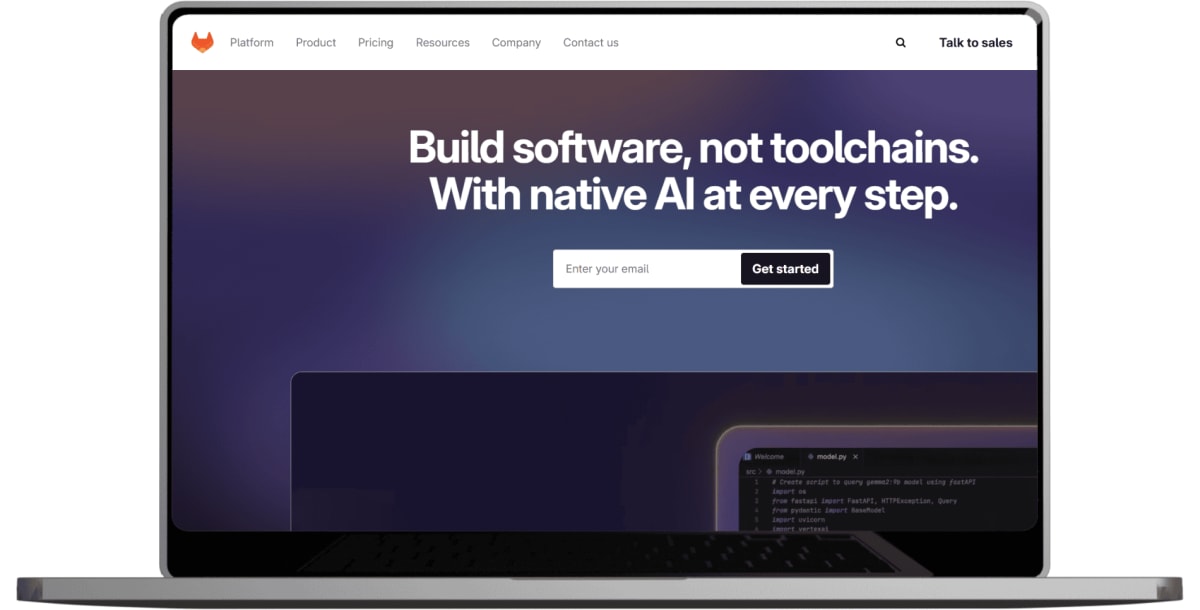
GitLab offers a more comprehensive solution with built-in CI/CD, security scanning, and project management features. Teams looking to consolidate their toolchain often find GitLab's all-in-one approach appealing.
Bitbucket - Atlassian Integration
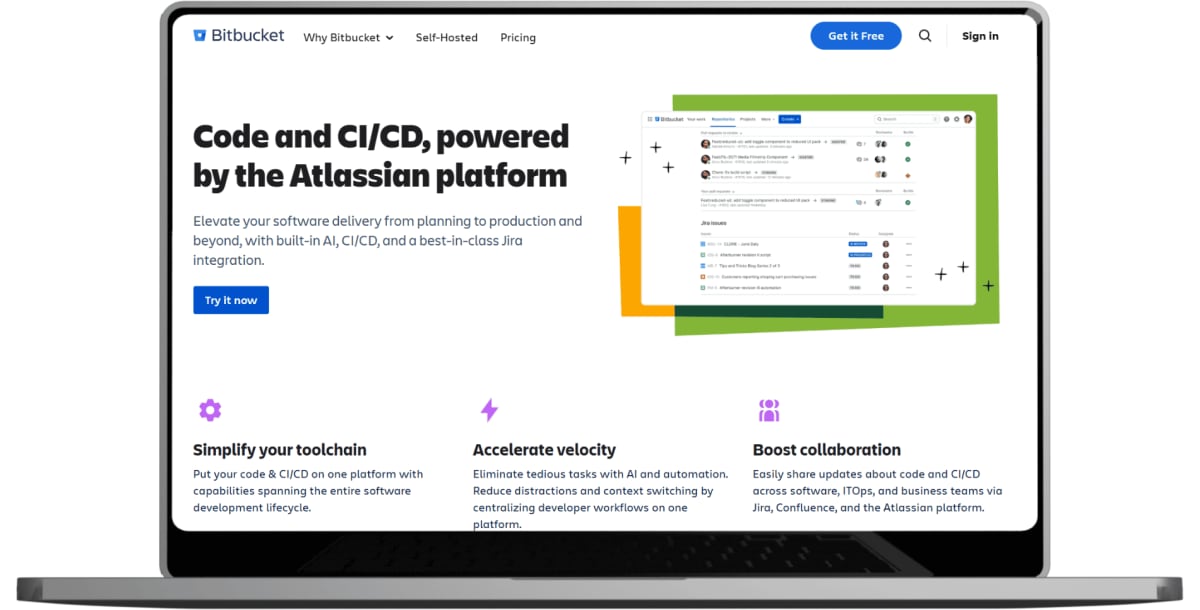
For teams using other Atlassian products like Jira and Confluence, Bitbucket provides seamless integration and familiar workflows. Its built-in CI/CD pipelines are particularly well-suited for smaller teams.
Documentation and Knowledge Sharing
Confluence - Structured Documentation
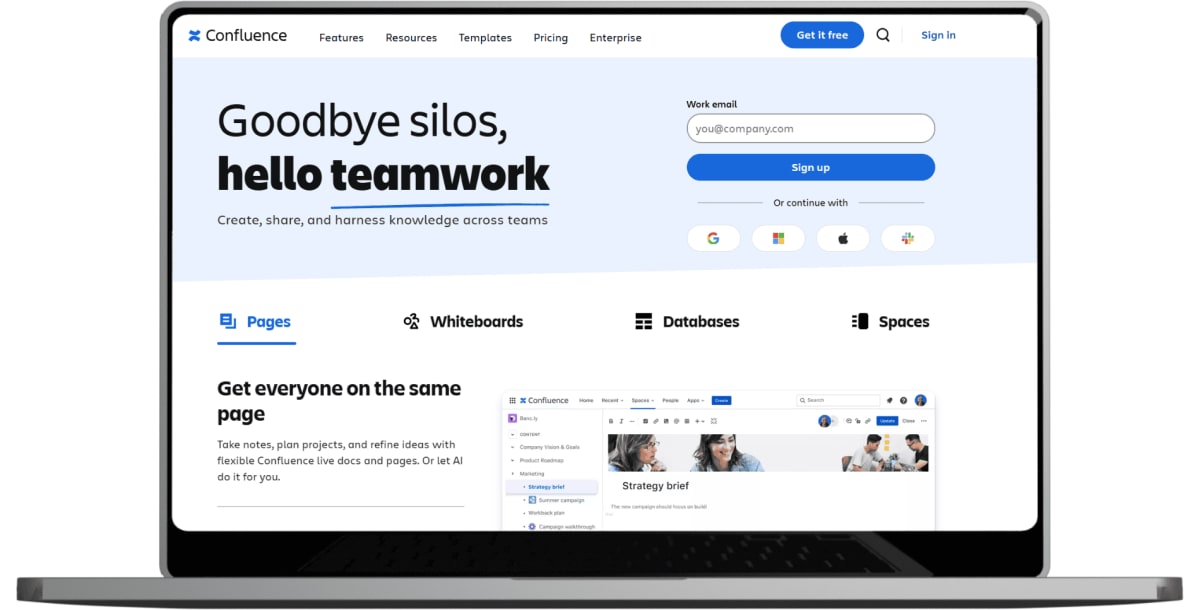
Confluence excels at creating and organizing team documentation, from technical specifications to company wikis. Its integration with Jira makes it particularly valuable for teams already in the Atlassian ecosystem.
GitBook - Documentation for Developers
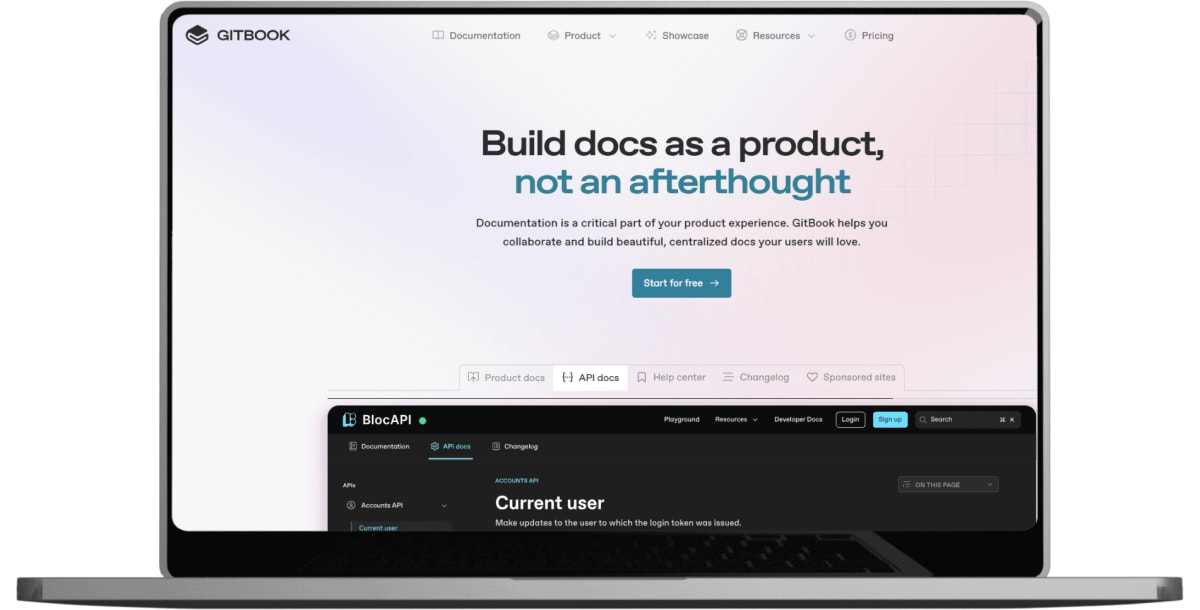
GitBook combines the simplicity of writing with the power of Git-based version control. It's particularly popular for API documentation, user guides, and technical specifications that need to evolve with the codebase.
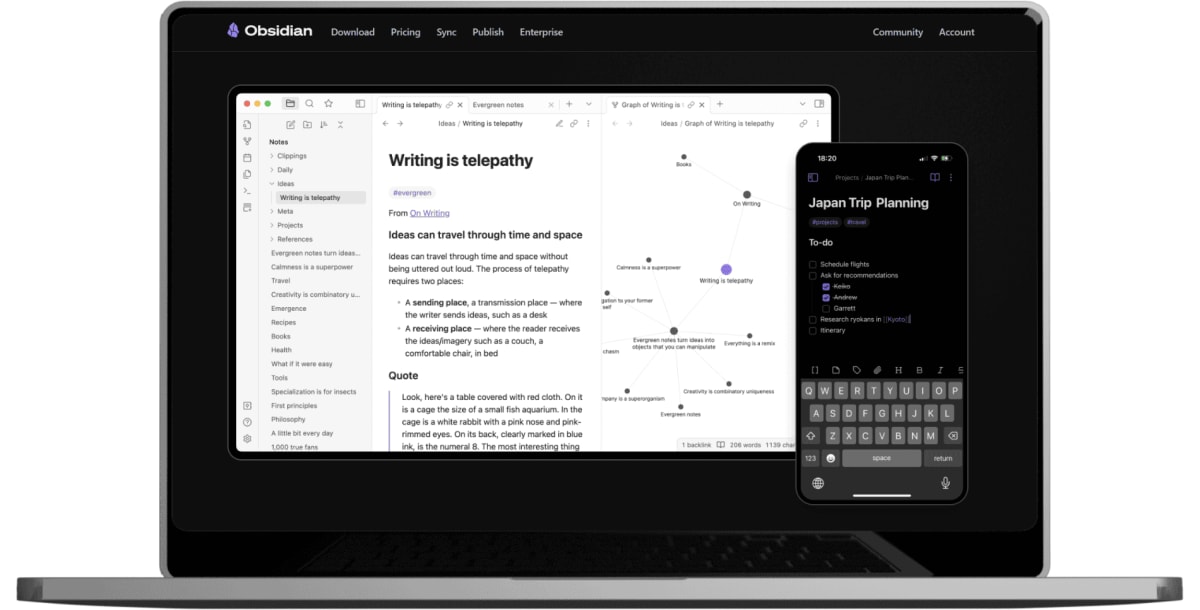
Obsidian - Personal Knowledge Management
While primarily a personal tool, many developers use Obsidian for technical notes and learning documentation. Its linking system and graph view help connect related concepts and build comprehensive knowledge bases.
Development Environment and Productivity
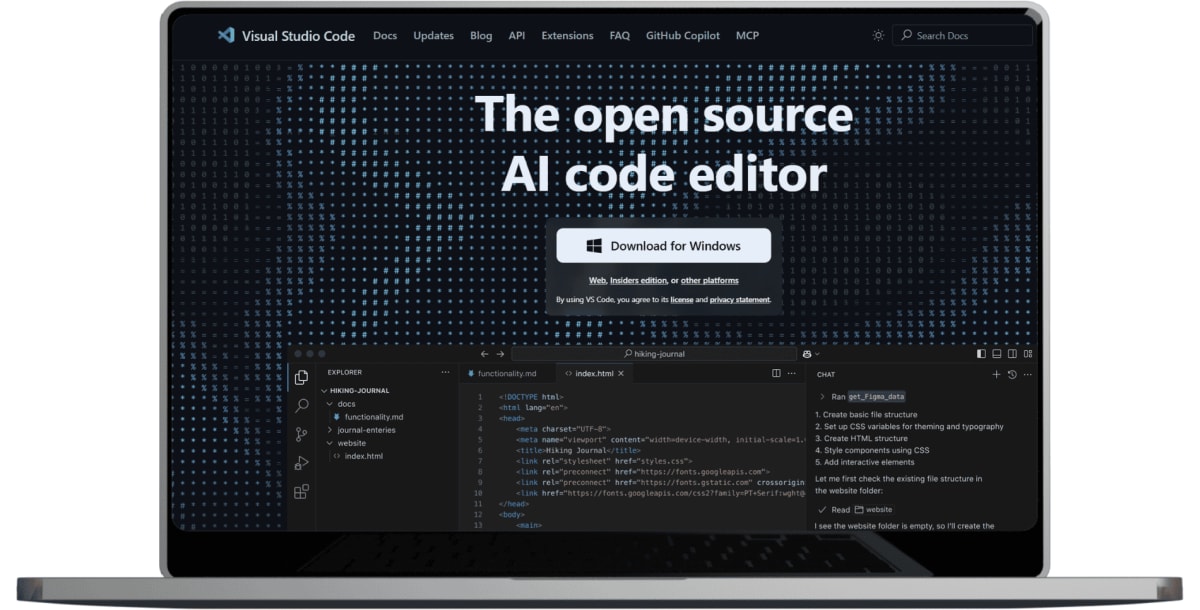
Visual Studio Code - The Universal Editor
VS Code's extensive extension ecosystem and remote development capabilities make it ideal for distributed teams. Its Live Share feature allows real-time collaborative coding, while remote development extensions enable working on cloud-based development environments.
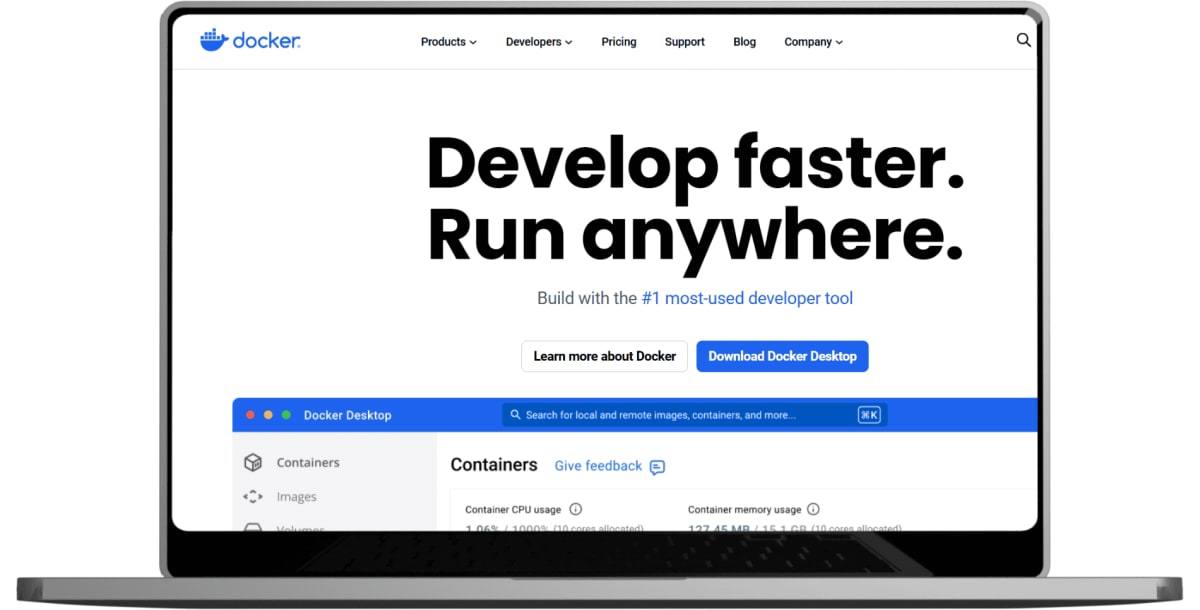
Docker - Consistent Development Environments
Docker containers ensure that "it works on my machine" is no longer an excuse. By containerizing applications and their dependencies, teams can maintain consistent development, testing, and production environments across all team members.
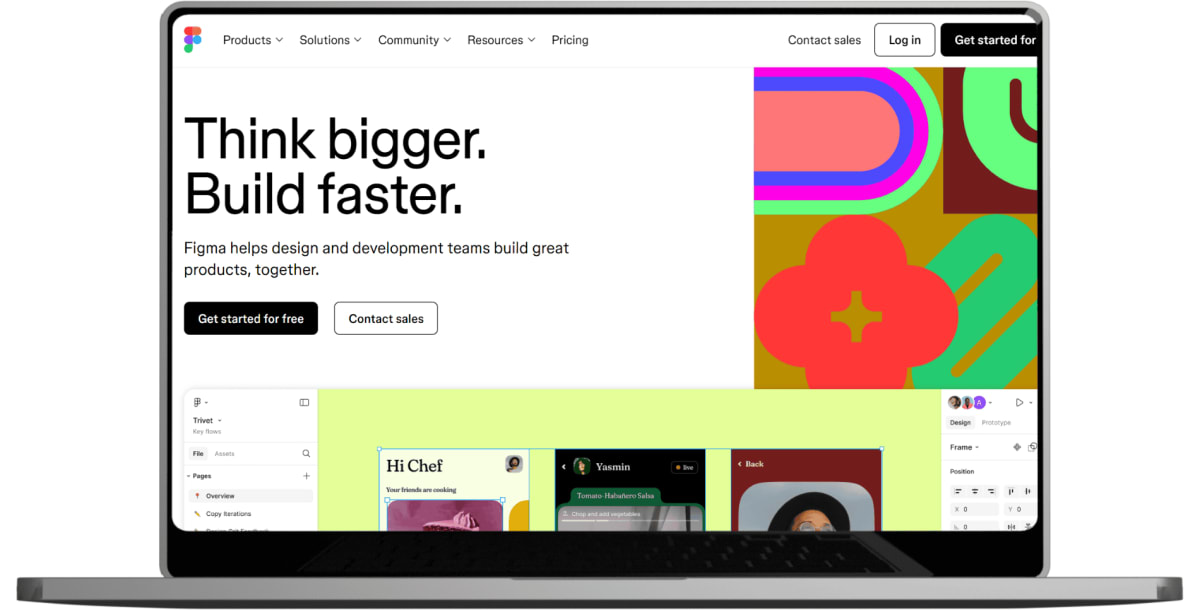
Figma - Design Collaboration
For teams working on user interfaces, Figma provides real-time collaborative design capabilities. Its developer-friendly features like CSS code generation and design system management bridge the gap between design and development.
Security and Infrastructure
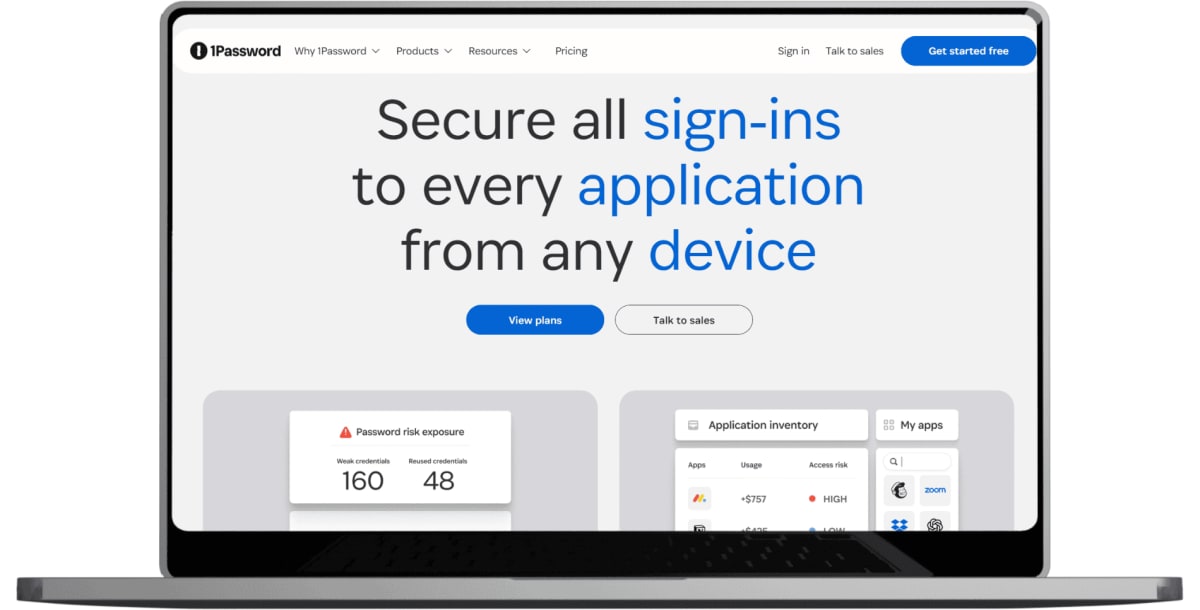
1Password - Team Password Management
With remote work increasing security risks, proper password management is crucial. 1Password's team features, secure sharing, and integration with development tools help maintain security without hindering productivity.
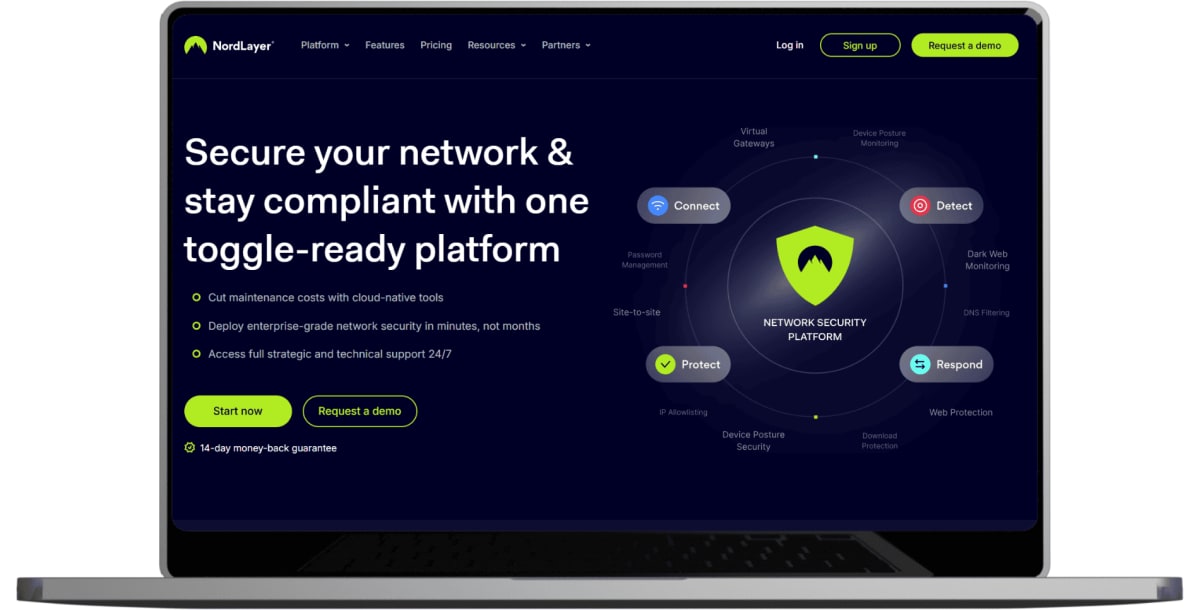
VPN Solutions - Secure Remote Access
Tools like NordLayer or similar business VPN solutions ensure secure access to company resources. This is particularly important for teams accessing staging environments, databases, or internal tools.
Time Management and Productivity
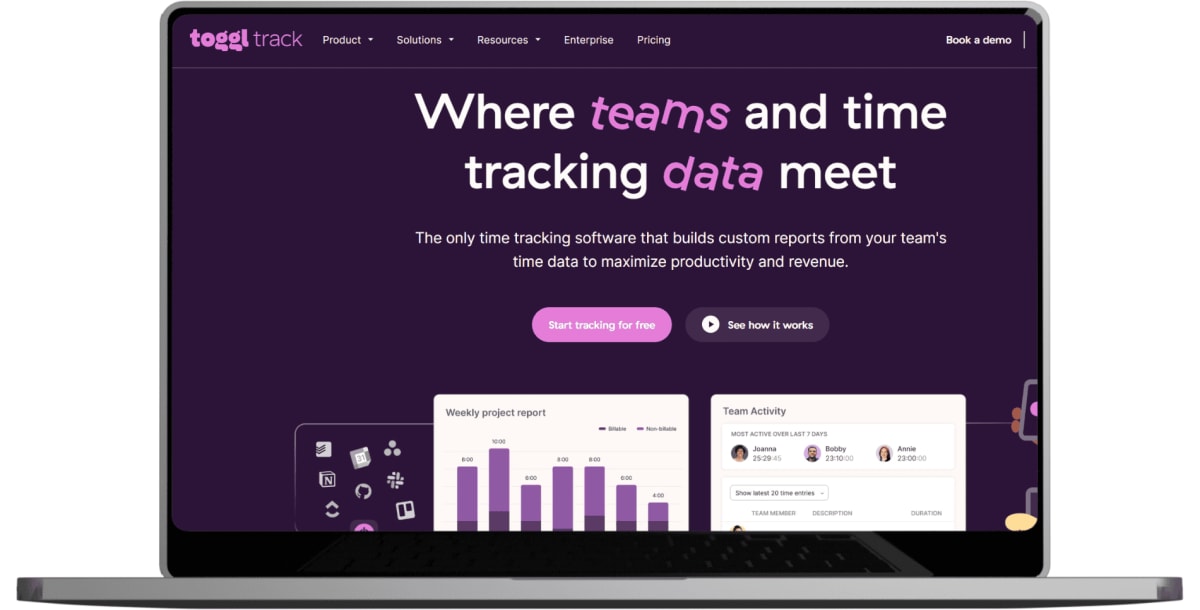
Toggl Track - Time Tracking Made Simple
Understanding how time is spent helps remote teams improve productivity and provide accurate project estimates. Toggl's simplicity and integration capabilities make time tracking less burdensome for development teams.
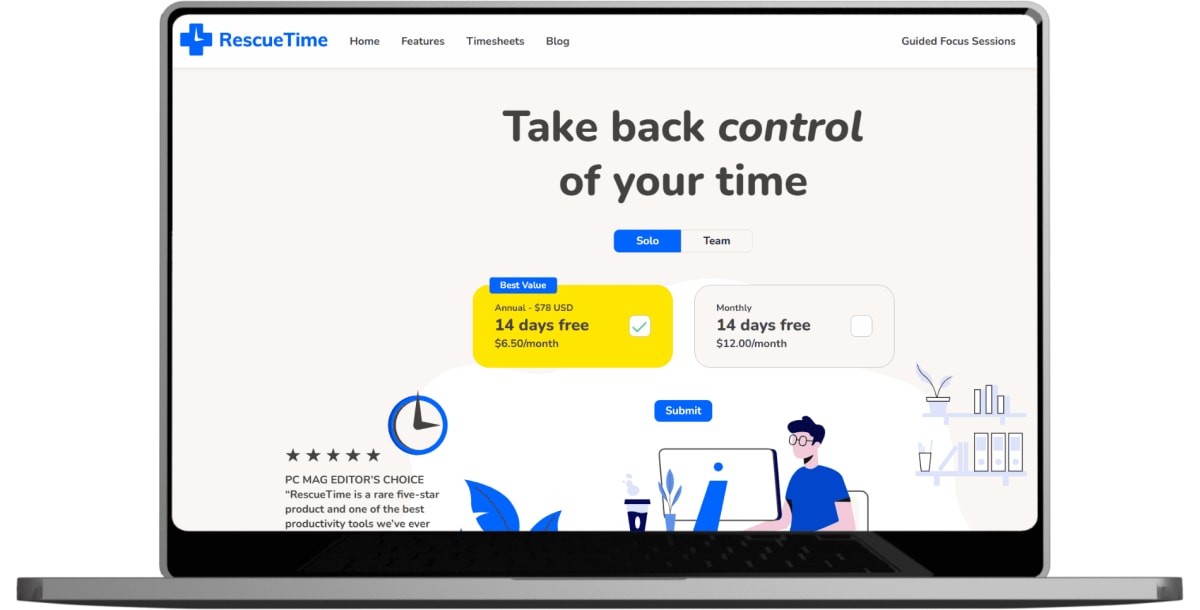
RescueTime - Automatic Productivity Tracking
RescueTime runs in the background, providing insights into how time is actually spent across applications and websites. This data helps teams identify productivity patterns and distractions.
The Success Formula: Integration and Best Practices
The global online collaboration market is predicted to be worth $13.5 billion in 2025, reflecting the critical importance of these tools. However, success isn't just about having the right software—it's about how you use it.
Create Clear Workflows
Define when to use each tool and how they connect. For example, GitHub issues might automatically create Jira tickets, or Slack notifications might trigger based on deployment status.
Establish Communication Protocols
Set expectations for response times, preferred communication channels for different types of messages, and guidelines for asynchronous versus synchronous communication.
Regular Tool Audits
Periodically review your tool stack to eliminate redundancy and ensure you're getting value from each subscription. The goal is efficiency, not tool collection.
Training and Onboarding
Invest time in properly training team members on your chosen tools. A well-trained team using fewer tools will outperform a team struggling with many poorly understood applications.
Looking Ahead: The Future of Remote Work Tools
As remote work continues to evolve, we're seeing trends toward AI-powered assistance, better integration between tools, and more sophisticated asynchronous collaboration features. By 2025, businesses will prioritize tools that ensure seamless, secure connectivity to devices and systems, regardless of location.
The teams that thrive will be those that choose tools strategically, implement them thoughtfully, and continuously optimize their workflows based on team feedback and changing needs.
Building Your Remote Success Story
The statistics are clear: remote work is here to stay, and the right tools can make the difference between a struggling distributed team and a highly productive remote workforce. Tools like Slack and Zoom can help boost team efficiency by 34% when implemented correctly.
The key is finding the right balance for your team—enough tools to enable effective collaboration without creating tool fatigue. Start with the essential categories (communication, project management, code collaboration, and documentation), choose best-in-class solutions that integrate well together, and gradually optimize based on your team's specific needs.
Ready to optimize your remote team's productivity? At INNOMIZE, we help businesses build and manage high-performing remote development teams with the right combination of talent and tools. Our experienced remote developers are already proficient with the latest collaboration technologies and can integrate seamlessly with your existing workflows.
Whether you're looking to augment your current team or build a complete remote development team from scratch, we can help you navigate the tools and strategies that make remote work successful. Contact INNOMIZE today to learn how we can help you build a more productive, connected, and efficient remote tech team.