Continue from Part 1
-
SSL Pinning: An Obstacle to Traffic Inspection
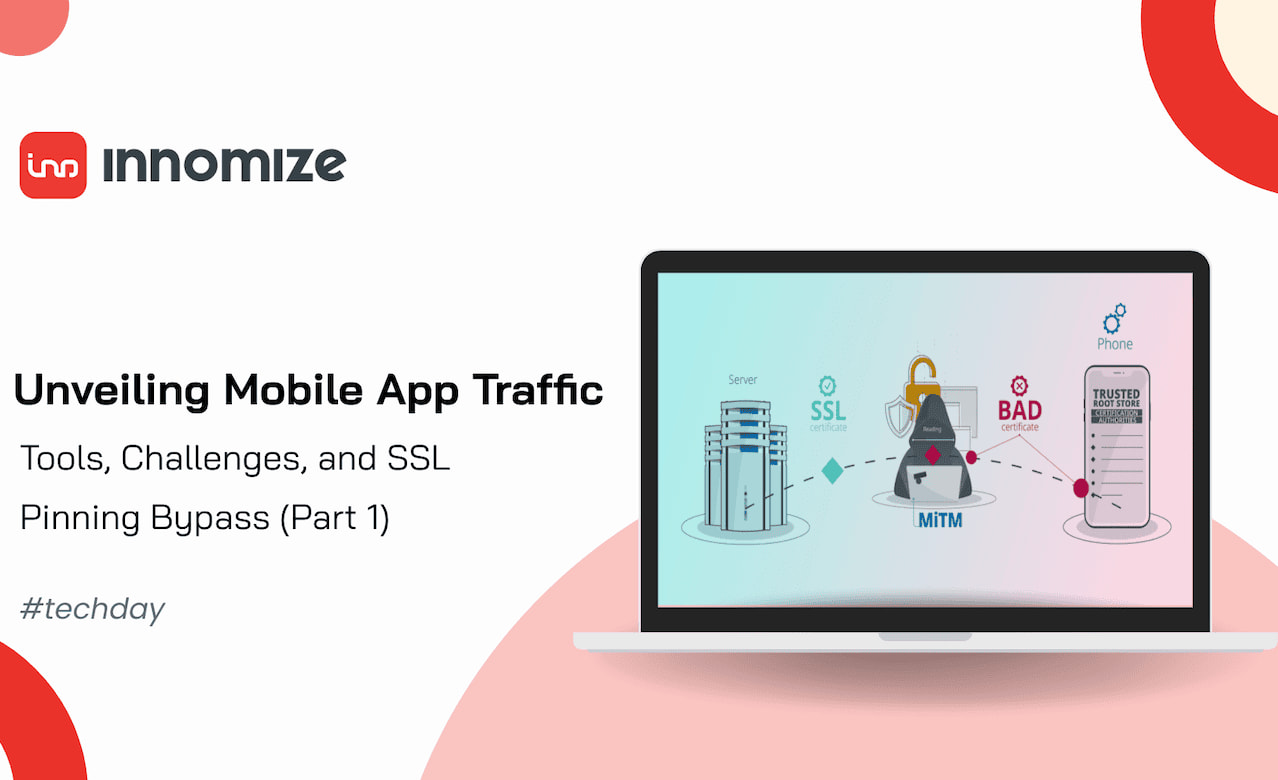
Inspecting mobile app traffic often requires intercepting and analyzing HTTPS requests. However, many modern apps implement SSL Pinning, a security technique that enhances communication security but creates significant challenges for testers.
SSL Pinning is a method used to strengthen app security by ensuring that the app only communicates with a specific, trusted server:
-
The app stores a trusted copy of the server’s SSL certificate (or its public key) within its code or configuration.
-
When the app connects to a server, it compares the certificate presented by the server with the stored copy.
-
If the certificates match, the connection proceeds; otherwise, it is terminated.
By understanding SSL Pinning and its challenges, testers can better prepare to address these obstacles using tools and techniques like Frida, which will be covered in the next section.
-
Bypassing SSL Pinning with Frida
SSL Pinning poses a challenge for inspecting mobile app traffic, but tools like Frida make it possible to bypass these restrictions in a controlled testing environment.
What is Frida?
Frida is a dynamic instrumentation toolkit that allows testers to inject scripts into running applications to modify their behavior. It provides powerful capabilities for debugging, reverse engineering, and security testing.
Steps to Bypass SSL Pinning
Bypassing SSL Pinning on Android devices using Frida involves a series of steps to set up the environment, deploy the Frida server, and then execute the appropriate scripts to disable SSL Pinning checks. Here’s a detailed guide for bypassing SSL Pinning with Frida.
Step 1. Set Up the Frida Environment
- Get
the CPU Architecture(s) Supported by the Device
To download the appropriate Frida server for the device, you need to know the CPU architecture of the device. Run the following command to get the supported architectures: adb shell getprop ro.product.cpu.abilist
For example, "arm64-v8a" for 64-bit ARM architecture or "x86" for x86 architecture.
- Download the Frida Server for Android
Head over to the Frida releases page (https://github.com/frida/frida/releases) to download the correct version of Frida server for your device’s CPU architecture.
For example, if your device supports “x86_64, arm64-v8a”, download the "frida-server-16.2.1-android-x86_64.xz" file.
- List Android Virtual Devices (AVDs)
If you are using an emulator, list the available Android Virtual Devices on your system using the following command: emulator -list-avds
- Start the Android Emulator
Start the emulator by running the following command, replacing Pixel_4a_API_34 with your AVD name: emulator -avd Pixel_4a_API_34 -writable-system -no-snapshot -wipe-data.
Set Up the Frida Server on the Device
- Push the Frida Server to the Device/Emulator
From the directory where you downloaded the Frida server, push the Frida server to the device using the following command: adb push frida-server-16.2.1-android-x86_64 /data/local/tmp/frida-server
Enable root access to the device by running: adb root
- Make the Frida Server Executable
Change the file permissions to make the Frida server executable: adb shell "chmod 755 /data/local/tmp/frida-server"
Start the Frida server on the device by running: adb shell "/data/local/tmp/frida-server &"
Instrument the Android Application Using Frida
Once the Frida server is running, you can start instrumenting the app to bypass SSL Pinning.
Use Frida’s --codeshare option to load an existing Frida script that disables SSL Pinning. For example, use the following command to bypass SSL Pinning for a specific app (com.thegymcube.gymcube.uat): frida --codeshare akabe1/frida-multiple-unpinning -U -f com.thegymcube.gymcube.uat
- Find the Package Name of the Target App
If you don’t know the app’s package name, you can list all installed packages on the device by running: adb shell pm list packages
Find the target app’s package name in the output, and replace it in the previous Frida command.

-
A Note for End Users
While inspecting mobile app traffic is a legitimate practice for testers to ensure app quality and security, it's essential to recognize that attackers can exploit similar methods to intercept sensitive data. If an app is not adequately secured, attackers may capture your personal information, including passwords, credit card details, or other sensitive data.
To protect yourself:
-
Avoid using Public Wi-Fi for Critical Transactions: Public Wi-Fi networks are often unsecured and make it easier for attackers to intercept your data. Use mobile data or a trusted, secure Wi-Fi network instead.
-
Be Cautious of Unknown Links: Clicking on unknown or suspicious links can lead to phishing attacks or malicious sites designed to steal your data.
-
Use Secure Apps: Ensure that apps you use implement proper security measures, including SSL Pinning, encrypted communication, and up-to-date security patches.
-
Enable Two-Factor Authentication (2FA): Adding an extra layer of protection to your accounts can prevent unauthorized access even if your data is intercepted.
By staying vigilant and following these precautions, you can significantly reduce the risk of your data being compromised.
Conclusion
Analyzing mobile app traffic is key to effective debugging, security testing, and understanding app behavior. Overcoming challenges like SSL Pinning with tools like Frida ensures comprehensive testing. Explore these techniques to enhance your testing workflows and build more secure apps.