Imagine running a business where your software updates itself, scales effortlessly as you grow, and is accessible to your team anywhere in the world—all while reducing upfront costs. This is not just a dream for the tech-savvy elite; it's a reality thanks to Software as a Service (SaaS).
As businesses face mounting pressure to adapt quickly to changing market demands and remote work trends, SaaS has become a cornerstone of digital transformation. By providing cloud-based solutions that require no infrastructure investment or technical maintenance, SaaS empowers organizations to focus on growth, innovation, and delivering value to their customers.
Curious about the differences between other models?
Check out our guide: SaaS vs PaaS vs IaaS: Which Cloud Model Fits Your Business? to understand how these models stack up and which one suits your business.
In this article, we’ll uncover how SaaS transforms businesses, explore its unique advantages, and reveal its most impactful applications across various industries.
1. What is SaaS?
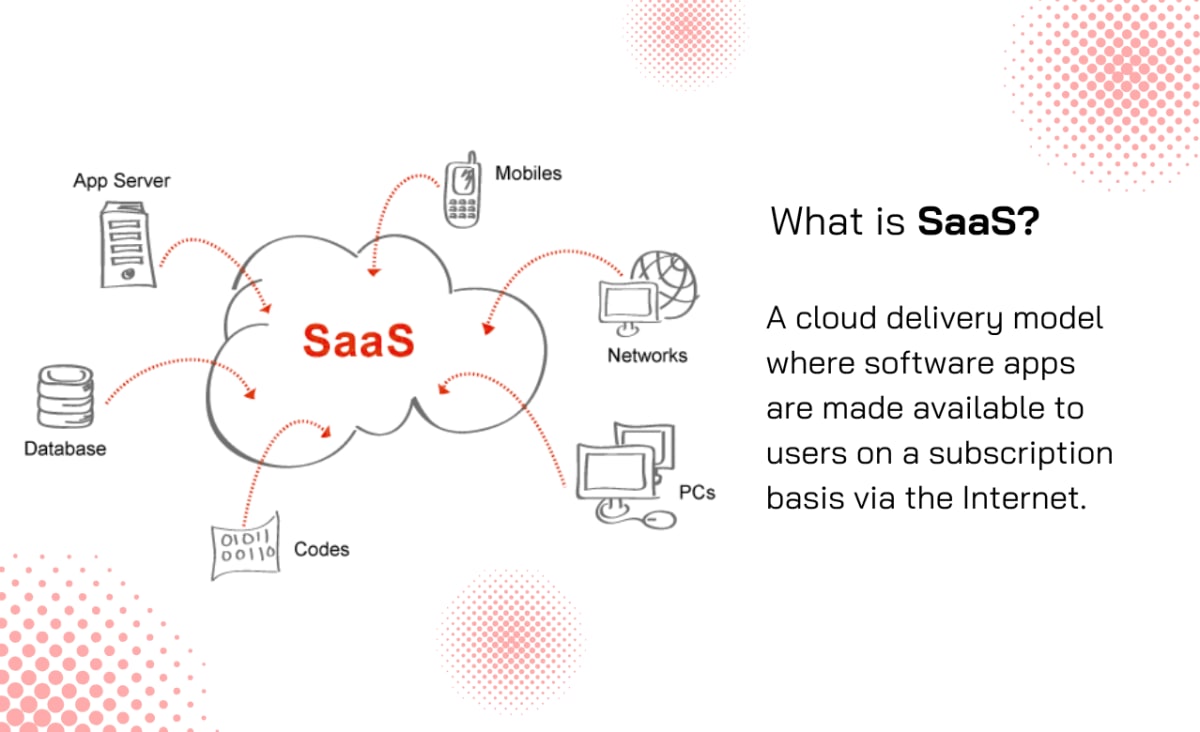
Software as a Service (SaaS) is a cloud computing model that delivers software applications over the internet. Users subscribe to these applications, which can be accessed through a web browser on any device with internet connectivity. This eliminates the need for installation and maintenance on individual devices. The software is hosted on the provider's servers, where updates and security measures are managed by the provider, ensuring users always have access to the latest features without needing to intervene.
2. Technical Characteristics:
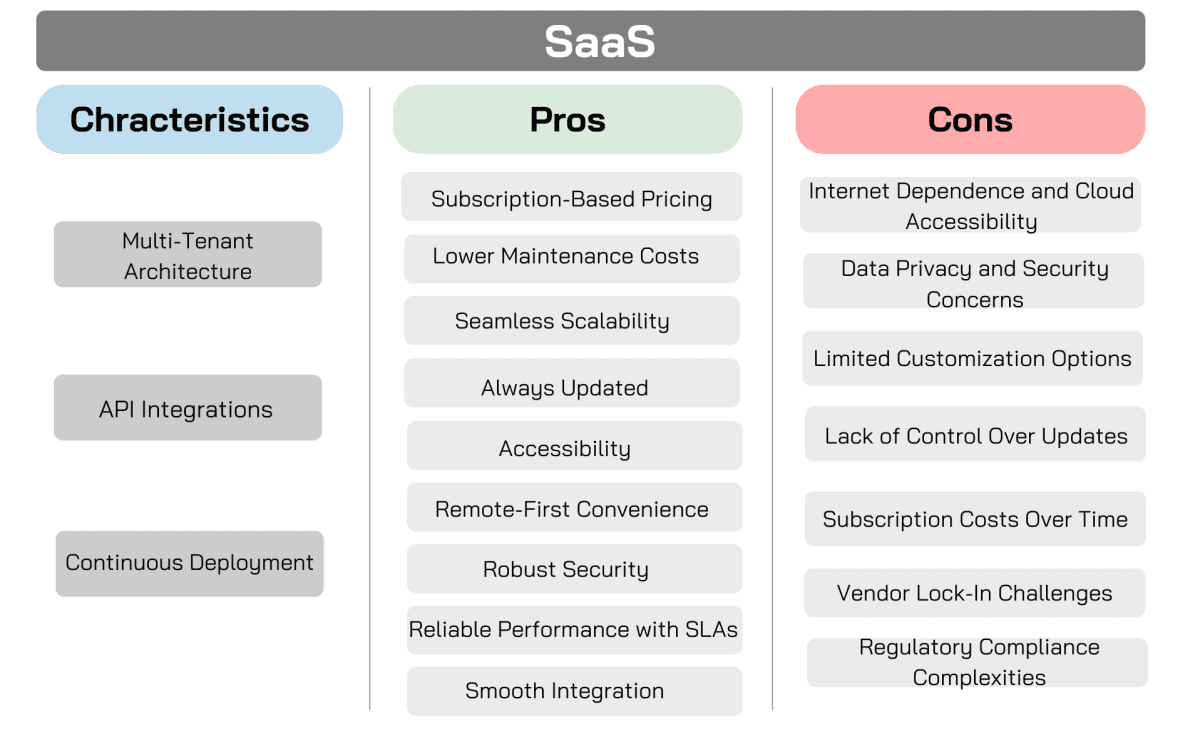
- Multi-Tenant Architecture
This design allows a single software instance to serve multiple users, optimizing resource allocation. For example, a SaaS application like Zoom operates on this model, where each user accesses a shared platform but maintains privacy and data segregation.
SaaS applications often offer RESTful APIs, enabling easy integration with other services, such as customer relationship management (CRM) systems or analytics tools. For instance, Salesforce can integrate with marketing automation tools through APIs, allowing for seamless data flow.
Providers manage updates and patches, ensuring users always have access to the latest features and security enhancements without manual intervention.
Advantages
- Subscription-Based Pricing
One of the standout benefits of SaaS is its cost-effective subscription-based model. Instead of a hefty upfront investment in software licenses, businesses pay recurring fees for access. This reduces the initial financial burden, making SaaS an attractive option for small and medium-sized enterprises (SMEs) that might otherwise struggle to afford new software solutions.
Traditional software often requires companies to manage their own servers and handle updates, which can be costly and labor-intensive. SaaS eliminates this hassle by shifting maintenance responsibilities to the provider. From server upkeep to software updates, vendors handle it all, enabling businesses to save time, resources, and money.
SaaS makes scaling simple. Unlike traditional software, where adding or removing users is often complex and time-consuming, SaaS allows businesses to adjust user numbers as needed. This flexibility ensures companies can align software usage with their current demands, whether expanding or downsizing.
With SaaS, new features and updates are rolled out regularly and are included in the subscription cost. Businesses no longer need to purchase costly upgrades or add-ons to stay current. This ensures users always benefit from the latest innovations without additional expense.
SaaS offers unmatched flexibility by enabling users to access software from any device with an internet connection. Since SaaS applications typically run in a web browser, employees can work remotely or from multiple locations without needing to install software on each device. For example, Google Workspace enables teams to collaborate in real time on documents, enhancing productivity.
SaaS eliminates the need for on-site installations and dedicated IT teams. Vendors handle the technical aspects, from setup to ongoing management. This is particularly beneficial for SMEs, freeing them to focus on their core business operations without worrying about IT complexities.
Security is a common concern, but SaaS vendors invest heavily in advanced measures like encryption, data protection, and automatic backups. Many also include disaster recovery options to ensure data is recoverable in emergencies. While no system is entirely immune to cyber threats, SaaS providers continually enhance their defenses to safeguard user information.
- Reliable Performance with SLAs
Most SaaS providers offer service level agreements (SLAs) that guarantee uptime and performance metrics. These agreements often include compensation if standards aren’t met, giving businesses confidence in the reliability of their chosen solution.
SaaS solutions are designed for integration. Using APIs and other tools, businesses can seamlessly connect SaaS applications with existing software systems, fostering streamlined workflows. This capability is invaluable for organizations relying on multiple software platforms.
Disadvantages
- Internet Dependence and Cloud Accessibility
One significant drawback of SaaS is its reliance on a stable internet connection. As the software is hosted in the cloud, a slow or disconnected network can disrupt access and hinder productivity. For businesses in areas with unreliable connectivity, this can be a critical issue.
Suggestion: Look for SaaS solutions with offline capabilities. Some tools allow you to continue working offline and automatically sync data to the cloud once the connection is restored.
- Data Privacy and Security Concerns
Storing sensitive data in the cloud introduces risks, such as data breaches or unauthorized access. While many SaaS vendors implement strong security measures like encryption and regular audits, it’s essential to evaluate their protocols to ensure they meet your business’s standards.
Suggestion: When evaluating SaaS vendors, prioritize those with robust security measures, such as end-to-end encryption, multi-factor authentication, and compliance with industry standards such as GDPR or HIPAA. Conduct regular audits and monitor access logs to ensure data integrity. For added security, consider hybrid solutions that store sensitive data on-premises while leveraging SaaS for other operations.
- Limited Customization Options
SaaS platforms often follow a one-size-fits-all approach, offering limited customization. For businesses with unique workflows or specific feature requirements, this lack of flexibility can be a challenge.
Suggestion: Businesses with unique needs should choose SaaS platforms offering modular designs or API integrations to extend functionality. Alternatively, working with vendors that provide custom solutions for enterprise clients can help address specific workflow requirements without sacrificing the benefits of SaaS.
- Lack of Control Over Updates
With SaaS, updates and new features are managed by the vendor, leaving users with little say in how or when changes are implemented. This can be frustrating, particularly if updates disrupt workflows or omit critical features.
Solution: Check the vendor’s product roadmap to see upcoming features and enhancements. While timelines may not be guaranteed, this can provide insight into how well the software will evolve with your business needs.
- Subscription Costs Over Time
Although subscription-based pricing reduces upfront costs, it may become more expensive over time, especially for businesses with many users or specific feature requirements. The cumulative costs can surpass traditional licensing models.
Solution: Carefully review pricing structures and calculate long-term expenses. Factor in the number of users, required features, and your growth projections to assess overall affordability.
- Vendor Lock-In Challenges
Vendor lock-in occurs when businesses become dependent on a single SaaS provider, limiting their ability to negotiate terms or switch vendors. This dependency can be problematic if the vendor offers poor service or fails to meet evolving needs.
Solution: Before committing, evaluate the vendor’s contract terms and migration policies. Understanding the costs and processes of switching providers can help mitigate risks.
- Regulatory Compliance Complexities
Organizations in regulated industries, like healthcare or finance, must ensure that their SaaS provider complies with specific standards (e.g., HIPAA or PCI DSS). While most vendors adhere to these regulations, businesses are responsible for verifying compliance.
Solution: Conduct thorough due diligence, including reviewing the vendor’s security policies, requesting compliance certifications, and performing audits if possible. Ensure the vendor provides detailed logs and support for troubleshooting issues.
By understanding these challenges and proactively addressing them, businesses can make informed decisions and select SaaS solutions that best align with their operational needs.
Use Cases
- Business Productivity Solutions
SaaS excels at delivering tools like email, office suites, project management software, and CRM platforms. Salesforce is a popular CRM platform, helps businesses streamline customer data management, automate sales processes, and improve customer relationships with cloud-based tools accessible from any device.
Modern SaaS platforms remove geographical barriers, enabling seamless team collaboration. Applications such as Google Workspace and Slack provide real-time document editing, file sharing, and integrated communication tools—ideal for remote and hybrid work environments.

- Human Resources and Payroll Platforms
SaaS HR and payroll systems simplify complex processes like onboarding, payroll management, and compliance tracking. Workday is a cloud-based HR and finance management platform that simplifies HR tasks such as talent acquisition, payroll management, and employee engagement. They reduce administrative errors, centralize data, and ensure businesses meet employment regulations effortlessly.
- Sales and Marketing Platforms
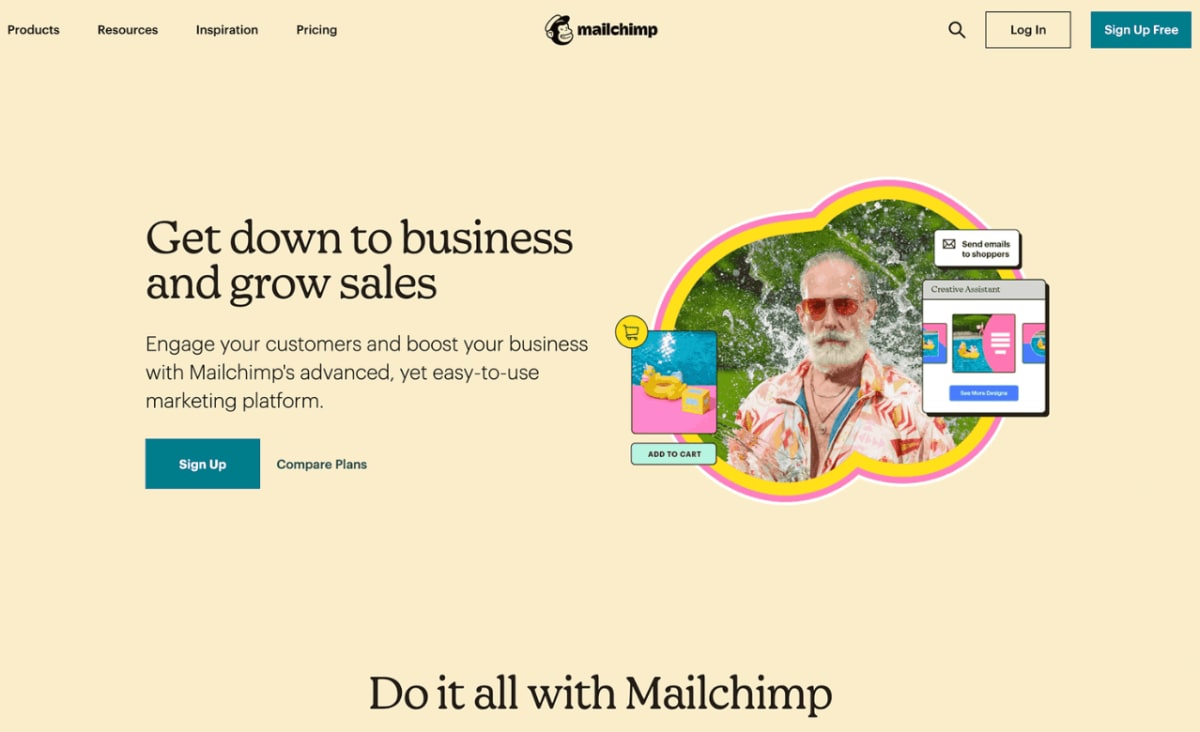
SaaS tools drive sales and marketing success through features like lead tracking, sales automation, and campaign analytics. Mailchimp – A popular email marketing SaaS platform that enables businesses to design, send, and track email campaigns, as well as manage customer lists and analyze campaign performance. These platforms enable businesses to optimize customer interactions and use data-driven insights to fuel growth.
- E-Commerce and Online Retail Solutions
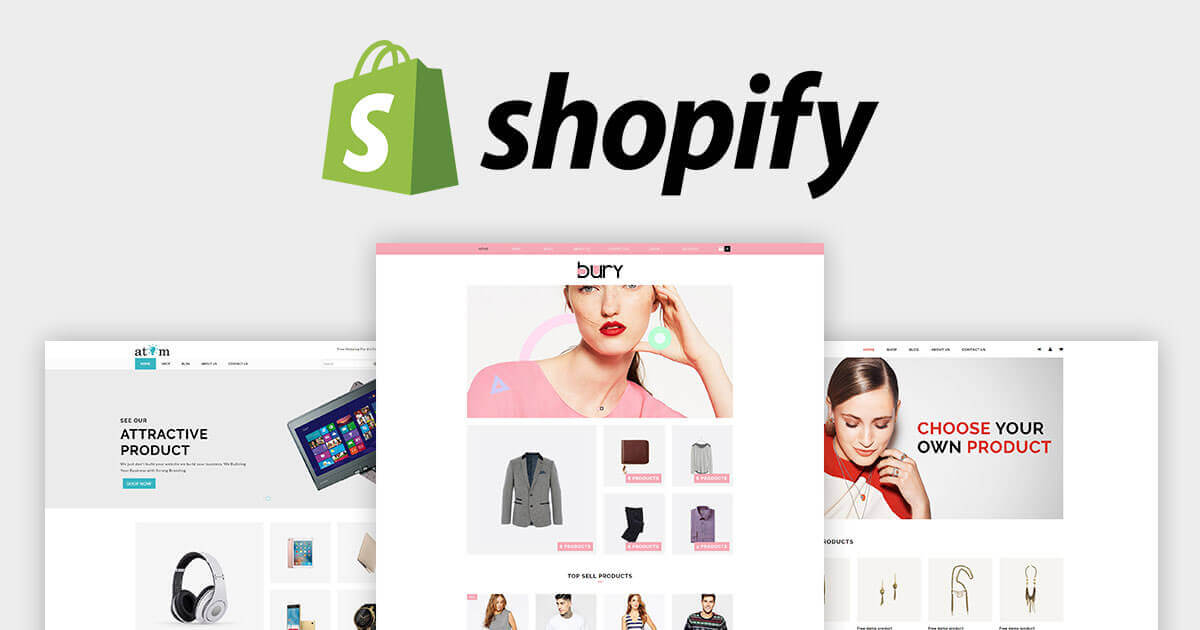
SaaS e-commerce platforms make it simple to create and manage online stores. With inventory management, secure payment gateways, and customer analytics built-in, businesses can efficiently tap into the digital marketplace. Shopify – A cloud-based e-commerce platform that enables businesses to create, manage, and scale their online stores. It provides built-in payment processing, inventory management, and customer analytics.
- Financial Management Tools
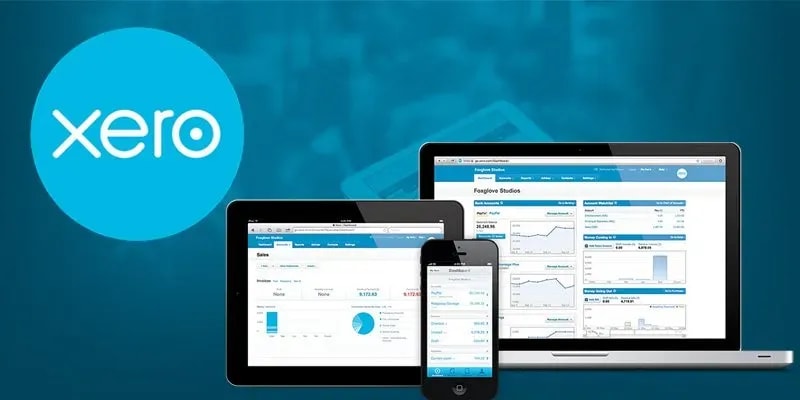
SaaS financial applications help businesses with accounting, invoicing, and expense management. For example, Xero – A cloud-based accounting platform that enables businesses to manage finances, track expenses, create invoices, and collaborate with their accounting team in real time. These platforms improve financial transparency, ensure regulatory compliance, and support effective cash flow management.
- Communication and Collaboration Platforms
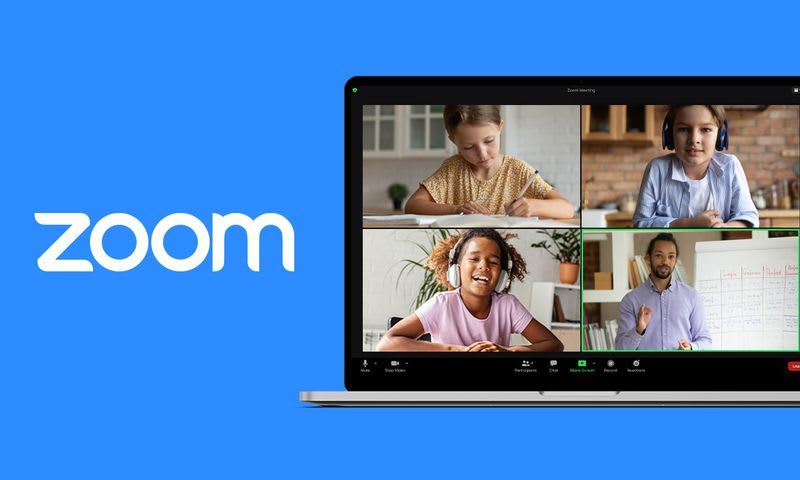
Whether for video conferencing, instant messaging, or virtual meetings, SaaS tools promote seamless real-time communication. Zoom – A video conferencing platform that supports virtual meetings, webinars, and team collaboration. They are essential for teams operating remotely or across different time zones.
- Content Management Systems (CMS)
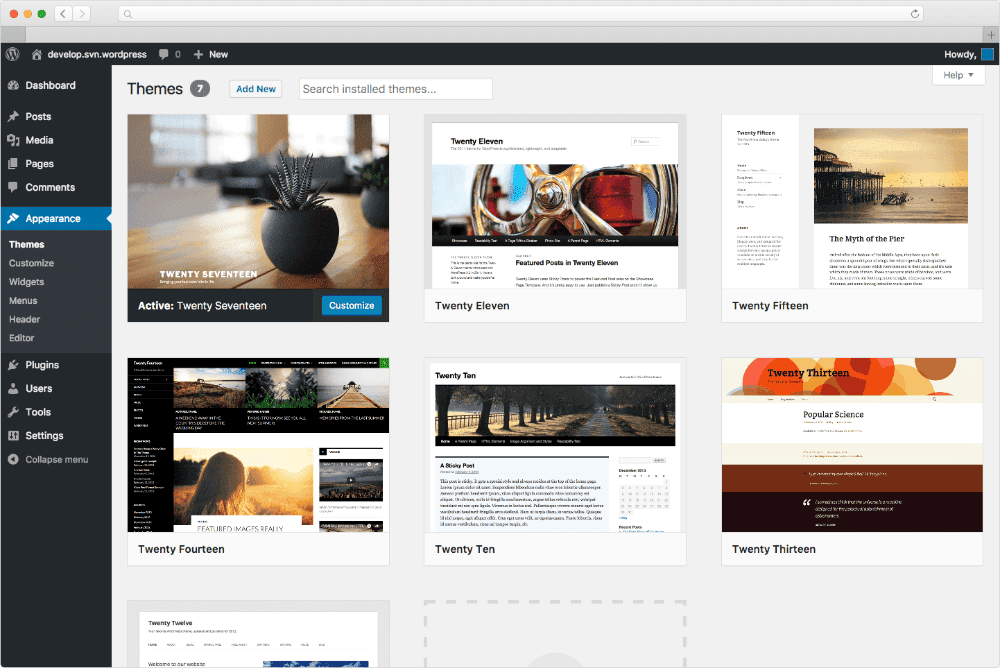
SaaS-based CMS platforms simplify website and content management, enabling users to create, edit, and publish digital content without requiring advanced technical expertise. WordPress.com – A hosted SaaS platform for website creation and content management. WordPress provides tools to build, manage, and publish websites without needing coding knowledge. They are ideal for businesses seeking to establish or enhance their online presence.
These categories illustrate how SaaS solutions adapt to varying business requirements, offering scalability, accessibility, and efficiency across industries.
Pricing Model
SaaS typically operates on a subscription-based pricing model. Costs can vary widely based on the application type, number of users, and features required.
Example Providers
Pricing starts around $25 per user per month for starter suite, with premium tiers (e.g., Salesforce Enterprise) costing up to $330 per user per month for advanced features.
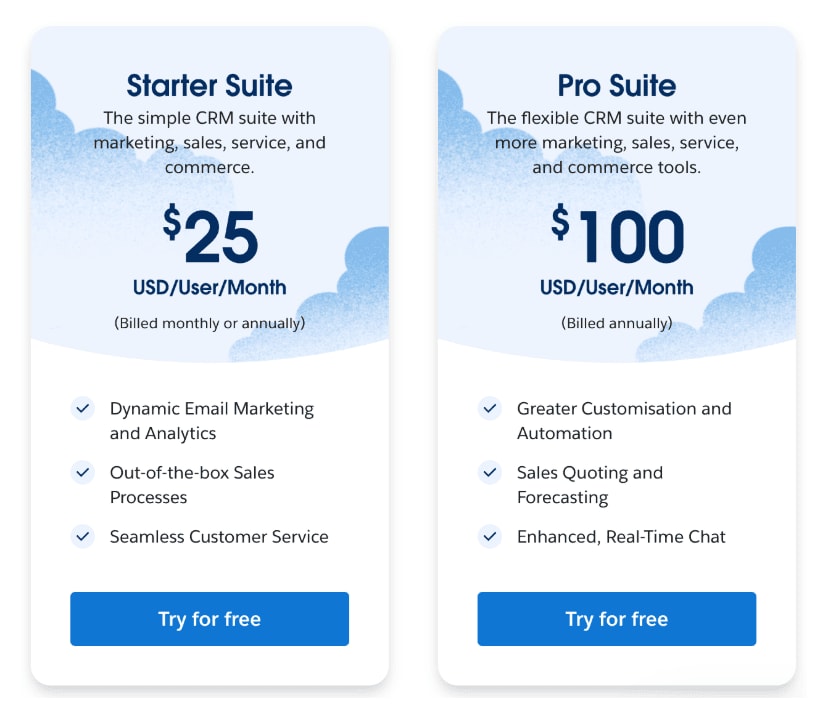
Source: Salesforce pricing
Microsoft 365: Offers plans starting at $6 per user per month for basic email and Office applications, with higher tiers reaching $12.5 per user per month for advanced capabilities like advanced security and compliance.
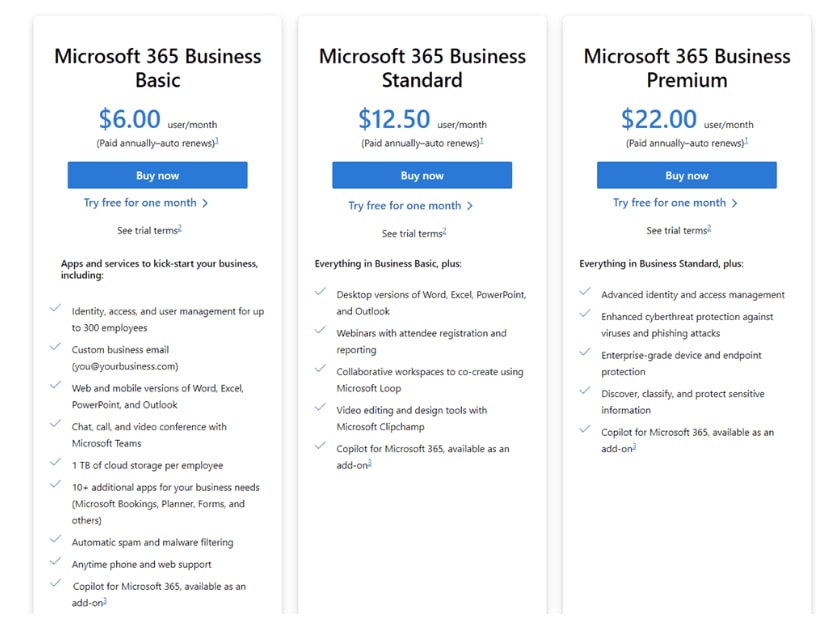
Source: Microsoft 365 Pricing
Conclusion: Why Choose SaaS for Your Business?
SaaS is more than a trend—it’s a transformative tool that empowers businesses to stay agile, collaborative, and cost-effective in a rapidly evolving market. Whether your organization needs productivity tools, financial software, or advanced marketing platforms, SaaS offers a scalable, reliable, and hassle-free solution.
By embracing SaaS, companies can focus on their core operations while leaving the complexities of software management to trusted providers. The result? Enhanced productivity, streamlined operations, and long-term growth.
How INNOMIZE Can Help
At INNOMIZE, we specialize in designing and implementing tailored SaaS solutions to meet your unique business challenges. With years of experience in cloud computing and digital transformation, we can help you navigate the SaaS landscape and adopt the right tools to drive success.
Whether you’re looking to simplify your workflows, scale operations, or modernize your IT infrastructure, our team is ready to assist. Let us partner with you to unlock the full potential of SaaS and ensure your business thrives in today’s digital world.
Start Your SaaS Journey Today
Contact us to explore how we can help you transition to SaaS seamlessly and take the first step toward a more productive, agile future.